
How to Choose Safe Educational Apps for Preschoolers

Updated: Feb 9
📌 Quick Navigation Links
As your little one starts their journey into reading and math, phonics and math games are an incredible way to turn screen time into "skill time."
These interactive tools help build foundational math skills, phonemic awareness and sound recognition in a way that feels like pure play.
However, as any parent knows, the moment a child clicks "play" on a new site, a little bit of anxiety kicks in.

How do I know if a preschool app is truly safe?
While digital resources are helpful tools to provide additional practice while children learn and practice early literacy and math skills, they require a proactive safety strategy.
Here are some steps you can take to keep your child protected while they explore the world of letters and sounds.
A Gentle Entry into Digital Learning
For many children, educational games are their very first introduction to independent digital learning. Because these games focus on simple, such as matching a letter to its sound, and number recognition and counting, they are often hosted on platforms designed for early childhood.
Games are the Perfect Starting Point to begin teaching online safety and developing personalized online safety strategies for your children. This makes them a "gentle" entry point into the digital world. It allows you to establish basic safety habits,
How to choose safe educational apps for preschoolers

Stick to Vetted, Reputable Platforms. Don't just click on the first "free" game that pops up in a search. Reputable sites often offer "no-download" versions of their preschool phonics games, which reduces the risk of accidentally installing malware or tracking software on your family computer.
Check for "Hidden" Social Features. Before your child starts playing, check the settings to ensure there are no social features that could let them interact with strangers. If a game requires a profile, use a nickname and never include their age or location.
Practice "Co-Playing." The best security software is you. Especially at the preschool level, try to sit with your child for the first few sessions. Use this time to model safe behavior. If an ad pops up, show them how to ignore it and explain why we only stay within the game boundaries.
Stop the Pop-Ups: Red Flags in Kids' Apps Not all "free" games are created equal. When searching for ad-free learning apps for preschoolers, keep an eye out for these warning signs:
Even when a site looks educational, keep an eye out for these warning signs:
Excessive Pop-ups & Redirects: If a game is constantly interrupted by ads or "Next Level" buttons that take you to an unfamiliar site, it isn't a safe playground for your child.
Unnecessary Permissions: A simple phonics or math game should never ask for your location, camera, or contact list.
Hidden In-App Purchases: Be wary of apps that offer "sample content" only to pressure a child into a purchase just as they get interested.
This is why we've ensured all games at Learning Made Easy are 100% ad-free and vetted for safety.
Balancing the Digital with the Physical
While we love the engagement preschool and kindergarten games offer, they work best when paired with offline play. You can reinforce what they learn online with tactile letter recognition activities for kindergarten, such as:
Sensory Bins: Search for plastic numbers or letters in a bin filled with rice or beans.
Kitchen Math: Use magnetic numbers on the fridge to "solve" simple counting problems they saw in their math game.
Tactile Tracing: Trace numbers and letters in a tray of sand or salt.
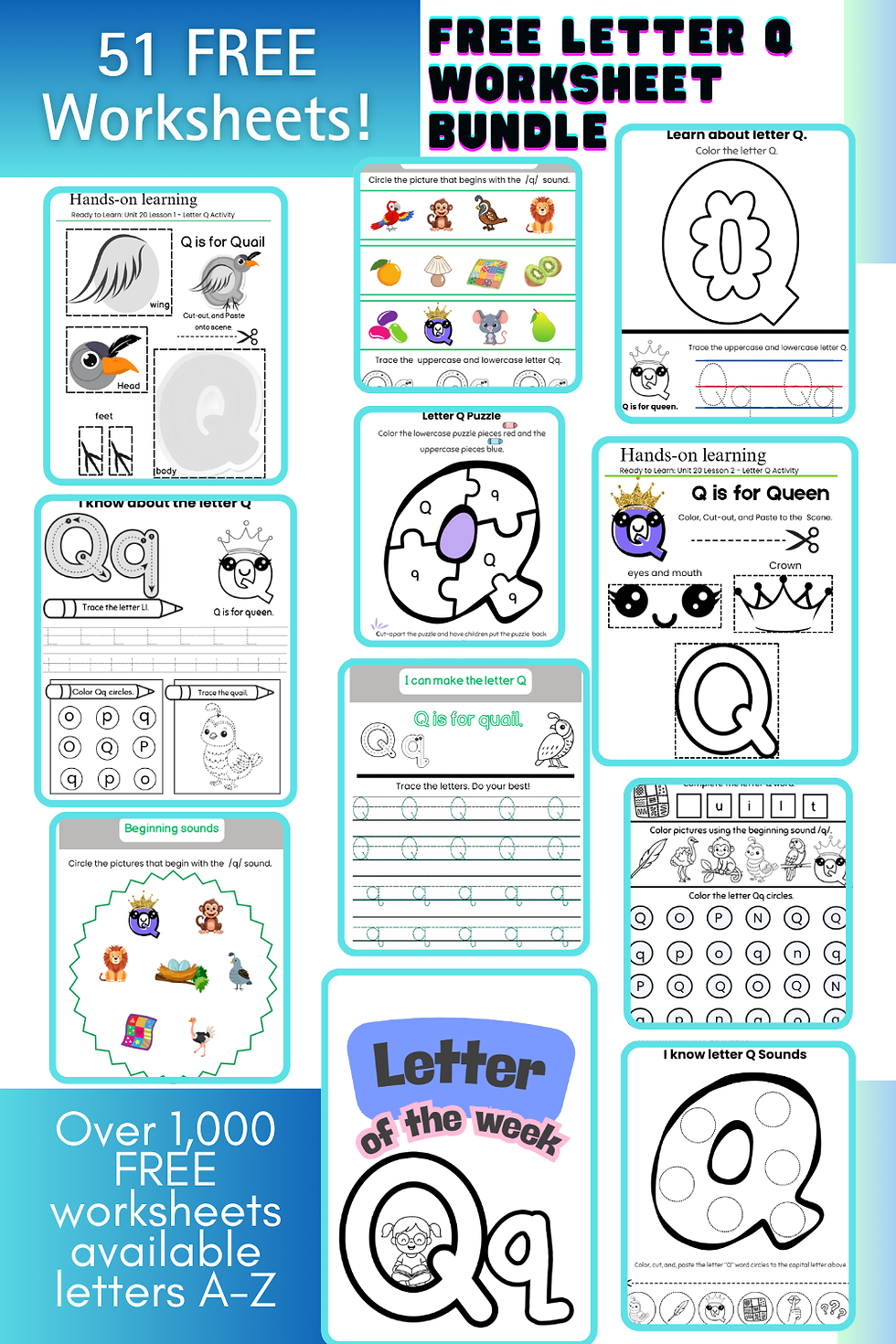
Try one of our FREE kindergarten homeschool lessons, play games, sing songs, and download free worksheets.
The Secret to Focused Learning: The "Digital-Physical Alternation"
We know that preschoolers learn best through variety. That’s why our curriculum doesn't just park a child in front of a screen. Instead, we use a rhythmic learning cycle that naturally weaves digital play into physical discovery:
Games and Worksheets
After practicing letter sounds or number recognition in one of our preschool phonics or math games, children transition to a physical worksheet. For example, in our Ready-to-Learn Letters lessons, moving from a glowing screen to tracing a letter on paper helps solidify "muscle memory" and keeps their focus sharp.
Worksheets and Songs
Learning isn't just visual; it’s auditory! We follow up focused worksheet time with catchy educational songs.
Music is a powerful tool that helps children remember letters and numbers by engaging multiple areas of the brain. It enhances memory through rhythm, repetition, and melody. Melodic patterns, like the "ABC song," turn complex information into familiar and catchy tunes, making it easier for children to recall what they've learned.
An added benefit is that music allows children to get up, move their bodies, and sing about the letters and numbers they just practiced!
Worksheets and Stories
To make learning feel real, we alternate our Ready-to-Learn Letters worksheets with engaging character stories. These stories not only help children remember letters and numbers but we include good character traits and lessons into the stories.
Why This Mix Matters for Digital Safety
By intentionally breaking up screen time with these offline transitions, you are teaching your child a vital digital safety habit: the "Check-Out." When a lesson naturally ends with a song or a story, children learn that digital tools have a beginning and an end. This makes it much easier to manage screen time boundaries without the typical power struggles.
Big News: Our new Ready-to-Learn Numbers curriculum joins Ready-to-Learn Letters this month, using a similar "Game, Worksheet, Song, and Story" flow to make learning the highlight of your child's day!
Navigating digital safety doesn't have to be daunting. By staying proactive, learning how to choose safe educational apps for preschoolers you are doing more than just teaching letters and numbers, you are building a foundation. Remember, you are your child's best teacher and safest guide. With the right tools and a little bit of 'co-playing,' you can turn every lesson into a win.
Happy Learning!

Frequently Asked Questions (FAQs)
What are the main "red flags" in a preschool app?
The most common warning signs are excessive pop-ups, redirects to outside websites, and requests for unnecessary permissions like your camera or location. Safe apps should never pressure a child into in-app purchases while they are playing.
Is all screen time bad for preschoolers?
Not necessarily. Screen time becomes high-quality "skill time" when it involves interactive tools that build foundational literacy and math skills. The key is balance; we recommend a "rhythmic learning cycle" that alternates digital play with physical activities like sensory bins or tactile tracing.
How can I make independent play safer for my child?
Start with "co-playing" sit with your child for their first few sessions to model safe behavior and show them how to ignore ads. Also, stick to vetted, reputable platforms that offer ad-free games.
What is the Digital-Physical Alternation method?
It is a rhythmic learning cycle that transitions children from screen-based games to physical worksheets, songs, or stories. This helps solidify muscle memory and prevents the "power struggles" often associated with ending screen time.
Why do you include music and stories with your digital lessons?
Music and stories engage multiple areas of the brain, making it easier for children to remember letters and numbers through rhythm and melody. Transitioning from a screen to a song or a story also creates a natural "beginning and end" to digital time, which helps prevent power struggles.


Comments